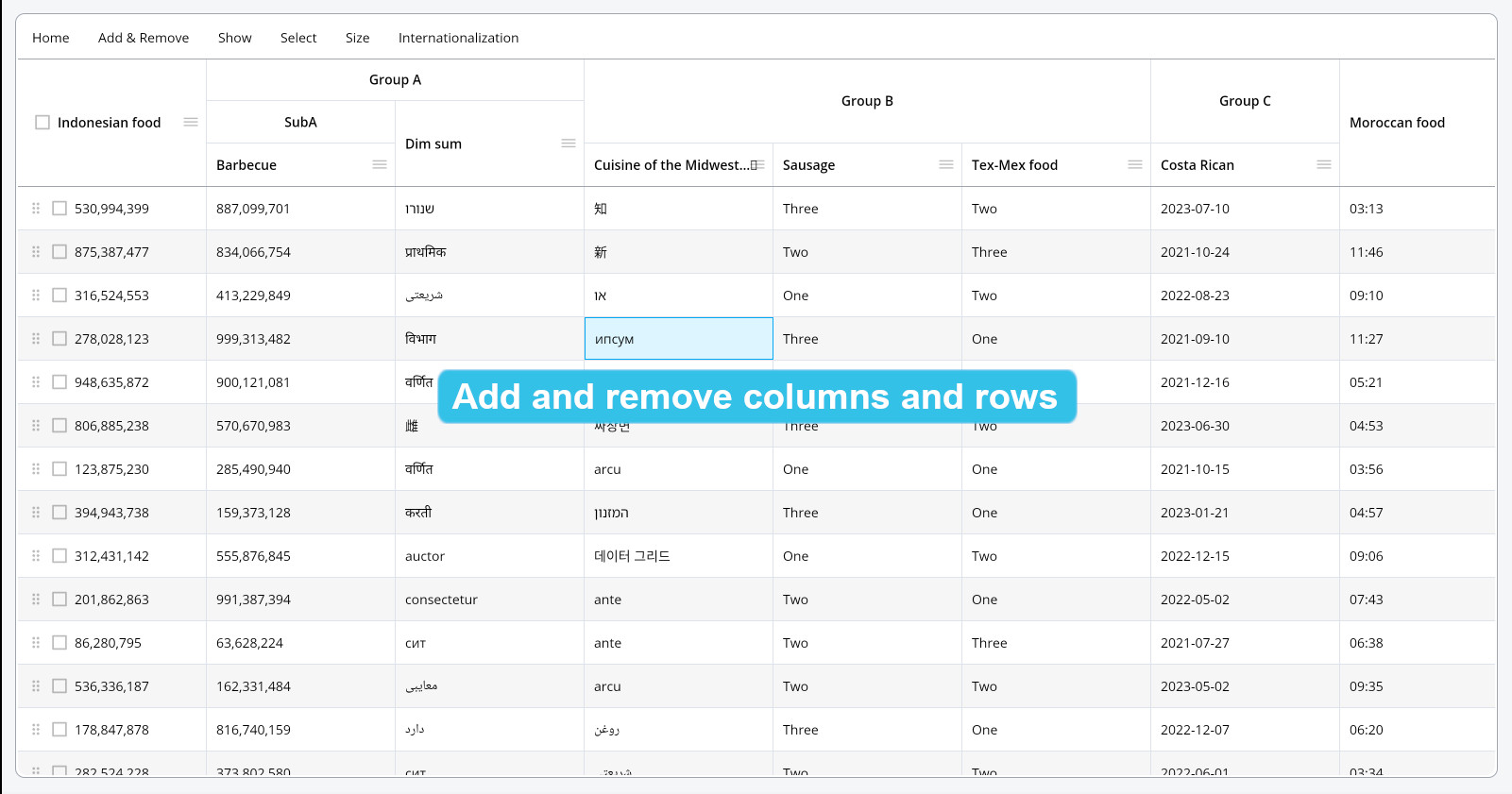
After setting columns and rows in the constructor of PlutoGrid, how to add columns and rows during runtime and precautions are described.
Setting up columns and rows when creating a grid
PlutoGrid can set columns and rows in the constructor when creating the first grid as follows.
Note: Do not set columns and rows in the
buildmethod when setting columns and rows for the first time.
class DemoScreenState extends State<DemoScreen> {
  final List<PlutoColumn> columns = [];

  final List<PlutoRow> rows = [];

  late PlutoGridStateManager stateManager;

  @override
  void initState() {
    super.initState();

    columns.addAll([
      PlutoColumn(
        title: 'name',
        field: 'name_field',
        type: PlutoColumnType.text(),
      ),
      PlutoColumn(
        title: 'age',
        field: 'age_field',
        type: PlutoColumnType.number(),
      ),
    ]);

    rows.addAll([
      PlutoRow(cells: {
        'name_field': PlutoCell(value: 'Mike.'),
        'age_field': PlutoCell(value: 20),
      }),
      PlutoRow(cells: {
        'name_field': PlutoCell(value: 'John.'),
        'age_field': PlutoCell(value: 21),
      }),
    ]);
  }

  @override
  Widget build(BuildContext context) {
    // Do not add columns or rows here.
    return Scaffold(
      body: Container(
        padding: const EdgeInsets.all(15),
        child: PlutoGrid(
          columns: columns,
          rows: rows,
        ),
      ),
    );
  }
}
Add or remove columns and rows after grid creation
After columns and rows are set in the PlutoGrid constructor, to add or delete columns or rows, you have to do it through PlutoGridStateManager.
PlutoGridStateManager can be delivered through onLoaded callback function when PlutoGrid is created.
late final PlutoGridStateManager stateManager;

@override
Widget build(BuildContext context) {
  return Scaffold(
    body: Container(
      padding: const EdgeInsets.all(15),
      child: PlutoGrid(
        columns: columns,
        rows: rows,
        onLoaded: (event) => stateManager = event.stateManager,
      ),
    ),
  );
}
Through the received PlutoGridStateManager, columns or rows can be added when a callback function such as onTap or stream.listen of the button is called.
@override
Widget build(BuildContext context) {
  return Scaffold(
    body: Column(
      children: [
        TextButton(
          onPressed: () {
            // Be careful not to duplicate field names when adding columns.
            final int lastIndex = stateManager.refColumns.originalList.length;

            stateManager.insertColumns(0, [
              PlutoColumn(
                title: 'new column $lastIndex',
                field: 'new_field_$lastIndex',
                type: PlutoColumnType.text(),
              )
            ]);
          },
          child: const Text('Add column'),
        ),
        Expanded(
          child: Container(
            padding: const EdgeInsets.all(15),
            child: PlutoGrid(
              columns: columns,
              rows: rows,
              onLoaded: (event) => stateManager = event.stateManager,
            ),
          ),
        ),
      ],
    ),
  );
}
Methods related to adding or removing columns and rows
The methods related to adding and removing columns and rows of PlutoGridStateManager are as follows.
// Add `columns` in place of `columnIdx`.
void insertColumns(int columnIdx, List<PlutoColumn> columns);

// Remove all `columns`.
void removeColumns(List<PlutoColumn> columns);

// Add `rows` in place of `rowIdx`.
void insertRows(
    int rowIdx,
    List<PlutoRow> rows, {
    bool notify = true,
  });

// Add new rows of length `count` before the first row.
void prependNewRows({
  int count = 1,
});

// Add `rows` to the beginning of the first row.
void prependRows(List<PlutoRow> rows);

// Add new rows of length `count` after the last row.
void appendNewRows({
  int count = 1,
});

// Add `rows` after the last row.
void appendRows(List<PlutoRow> rows);

// Remove the currently focused row.
void removeCurrentRow();

// Remove `rows` Remove all.
void removeRows(List<PlutoRow> rows);

// Remove all rows.
void removeAllRows({bool notify = true});
How to asynchronously append a large number of rows
If the number of rows to be added at once is large, the UI may freeze due to the load on the CPU operation. In this case, the CPU operation can be processed asynchronously.
Below is a link to a demo page that works on the web. You can also check the example source code by tapping the Source button on the demo page.
About the author
I've mainly been doing backend web development. I also have a technology for web front-end, and recently I mainly develop Flutter packages.
Comments
Join the discussionNo comments yet. Be the first to comment.
PlutoGrid
PlutoGrid is a data grid. It is a Flutter package that allows you to easily edit large amounts of data with the keyboard. It can be used on any platform supported by Flutter.